Wrapped

A look back at the work that shaped Basis Design System this year.

0

New Components

0

New Color Variables

0

Storybook Docs

0

Color Classes Renamed

0

Design Docs

0

Color Classes Removed

Figma Designer Stats

Component Inserts0
91%
Styles Used0
Variables Used0
Monthly Component Inserts
8010513017514514015010512016560
Jan
Feb
Mar
Apr
May
Jun
Jul
Aug
Sep
Oct
Nov

Design System 3.0

This was a major revamp of our foundations that will make the design system more intuitive to use and more scalable in the future. We renamed and extended our design system variables and styles. We've also removed a large number of unnecessary styles and introduced a new icon library called "Lucide" icons.

Before
After
Basis Design System Wrapped 2025
Before
After
Basis Design System Wrapped 2025

App Drawer Side Navigation

We built upon previous work to refresh the navigation and updated the styles and icons. We also added collapsible sections, moved additional navigation items to the footer, and added a quick color mode toggle to the profile menu.

New Data Table in Platform

Toward the beginning of 2025, we released the new, more flexible data table component. We then implemented it on many of the most prominent pages in Basis including campaigns, line items, and analytics.

Before
After
Basis Design System Wrapped 2025

Design System Updates
Foundation

NPM Package

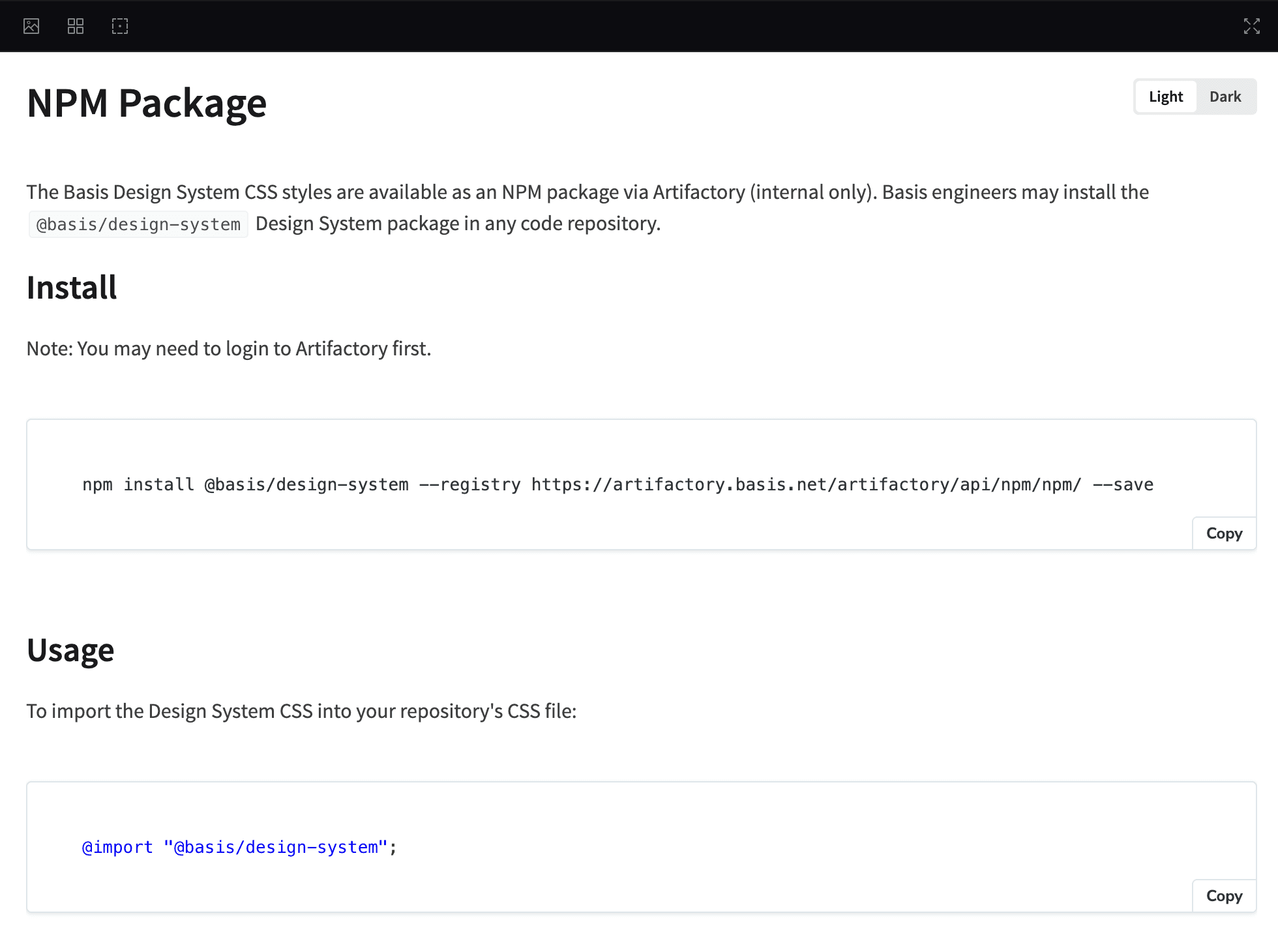
Created new @basis/design-system NPM package and migrated all CSS to new package, making our styles available “anywhere”

Foundation

NPM Package

Created new @basis/design-system NPM package and migrated all CSS to new package, making our styles available “anywhere”

Foundation

Positioner Utility

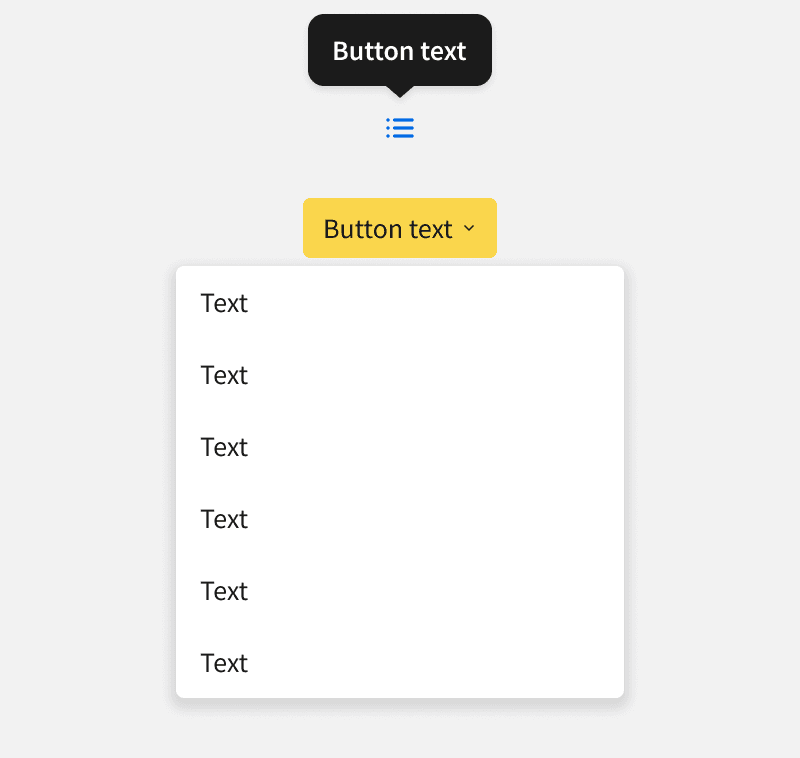
Added new “positioner” for all tooltips and dropdowns

Foundation

Positioner Utility

Added new “positioner” for all tooltips and dropdowns

Component

Segment Control

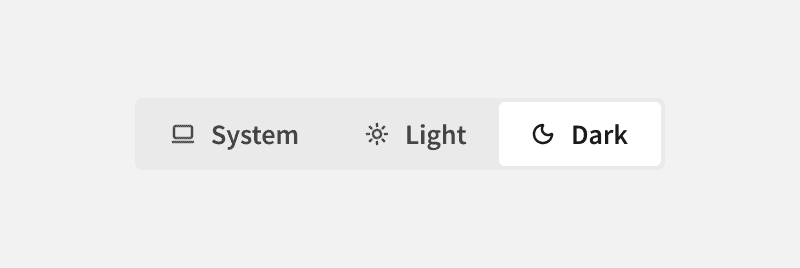
Added the Segment Control component, which allows users to switch between mutually exclusive options. It provides a compact, intuitive way to modify content views or change settings

Component

Segment Control

Added the Segment Control component, which allows users to switch between mutually exclusive options. It provides a compact, intuitive way to modify content views or change settings

Component

Danger Buttons

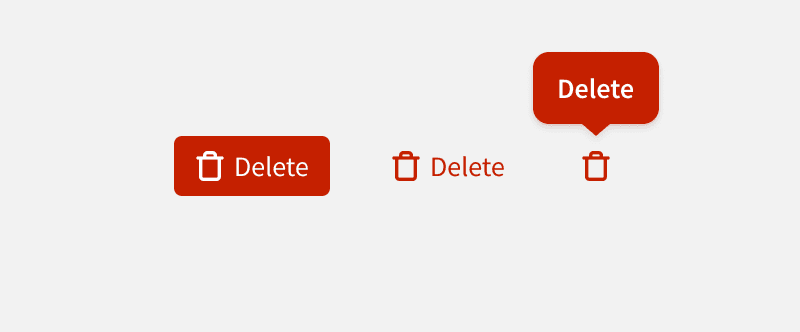
Added Danger Buttons, which alert users to potentially consequential actions

Component

Danger Buttons

Added Danger Buttons, which alert users to potentially consequential actions

Component

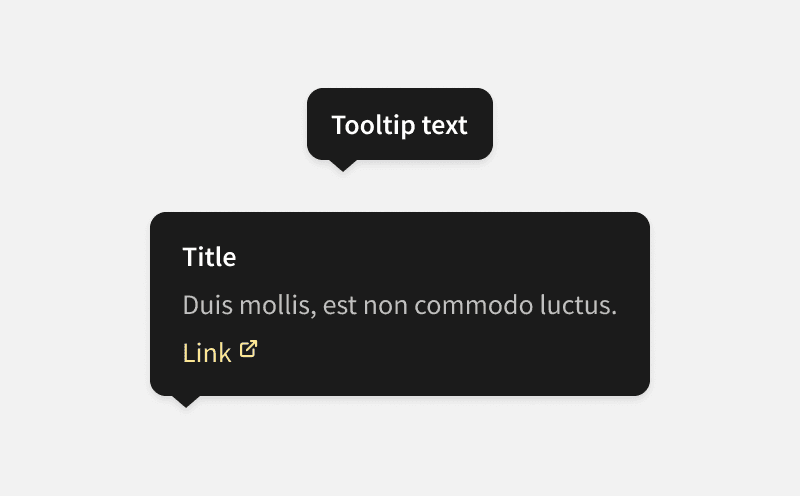
Tooltips

Updated Tooltip Styles and created a new “Rich Tooltip”

Component

Tooltips

Updated Tooltip Styles and created a new “Rich Tooltip”

Component

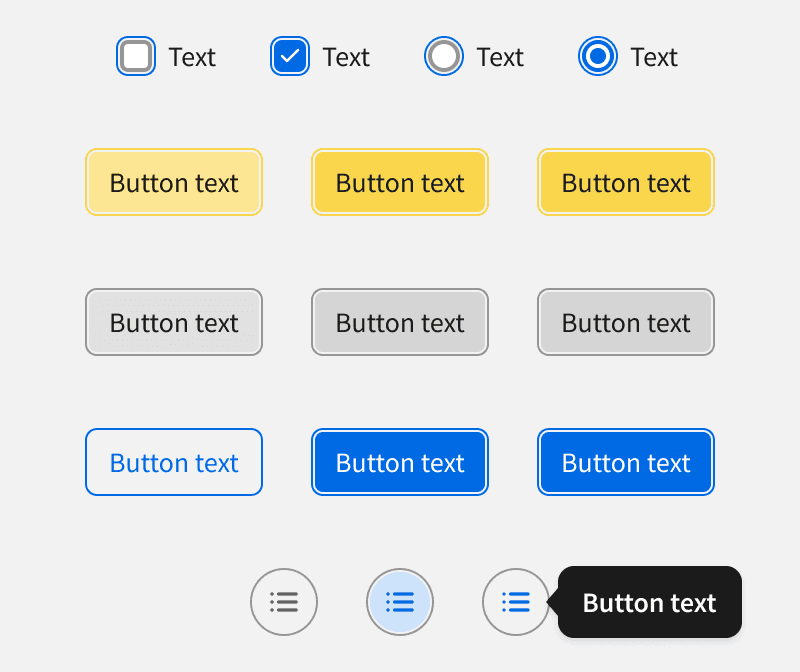
Toggle Switch

Updated Toggle Switch styles

Component

Toggle Switch

Updated Toggle Switch styles

Component

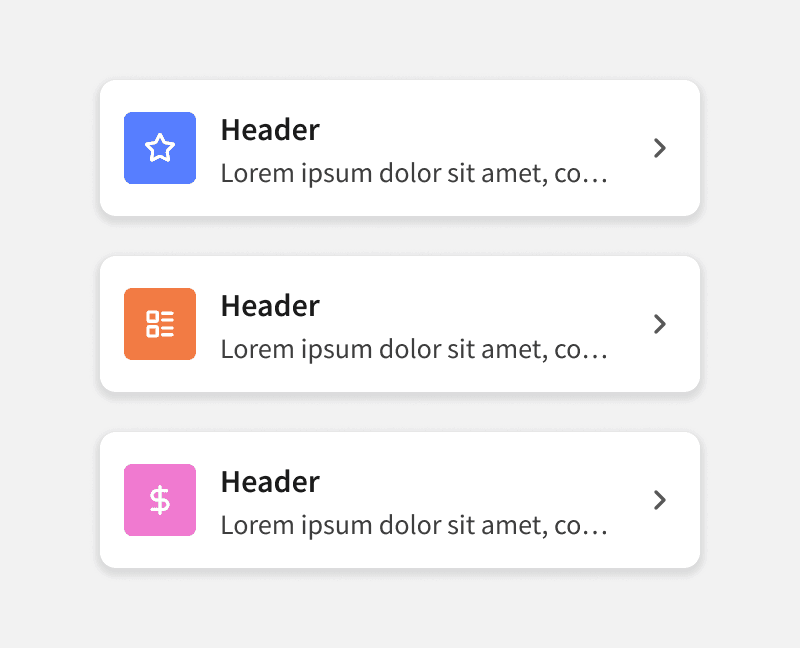
Interactive Cards

Updated Interactive Cards with featured icon option and created new "Inline" variants

Component

Interactive Cards

Updated Interactive Cards with featured icon option and created new "Inline" variants

Foundation

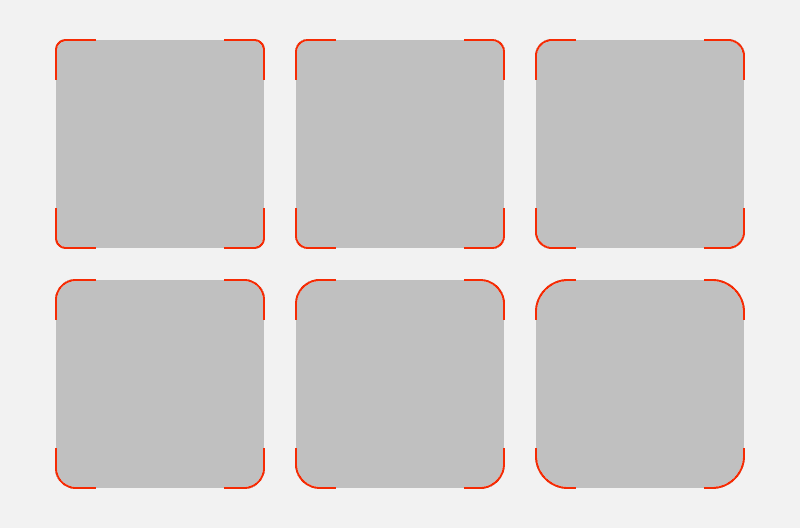
Border Radius

Improved the naming convention and expanded the options

Foundation

Border Radius

Improved the naming convention and expanded the options

Component

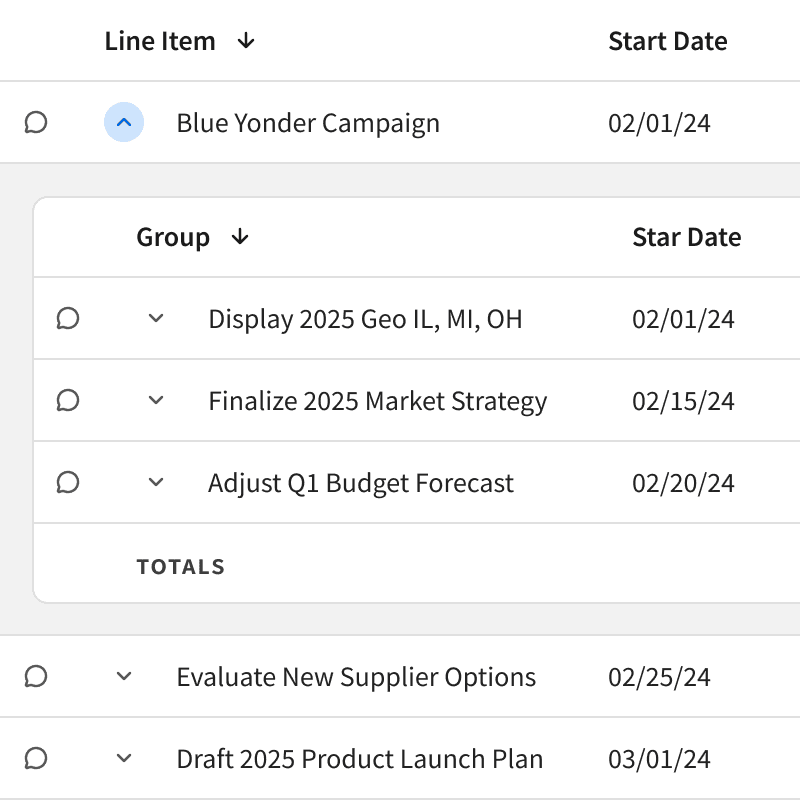
Data Table

Added several features to the new data table such as nested rows and nested tables

Component

Data Table

Added several features to the new data table such as nested rows and nested tables

Component

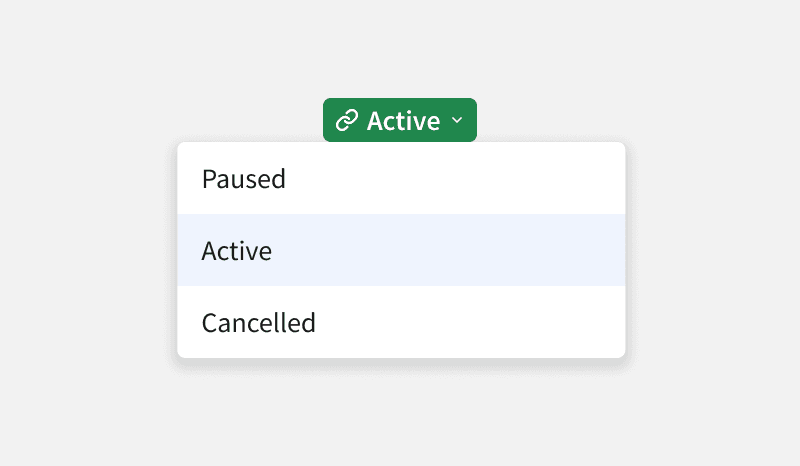
Interactive Badge

Added Interactive Badges, which provide additional context or allow the user to change the status, category or property value. We’ve also added small variants for all badges

Component

Interactive Badge

Added Interactive Badges, which provide additional context or allow the user to change the status, category or property value. We’ve also added small variants for all badges

Component

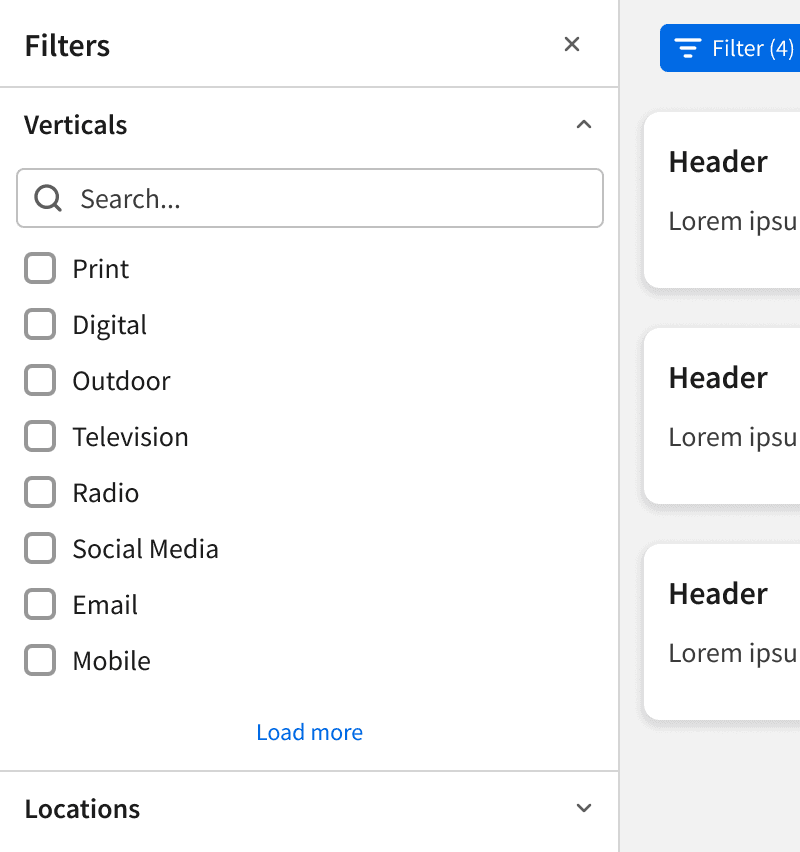
Filter Panel

Added Filter Panel which allows users to filter page content using a panel list containing a categorized list of available filters

Component

Filter Panel

Added Filter Panel which allows users to filter page content using a panel list containing a categorized list of available filters

Component

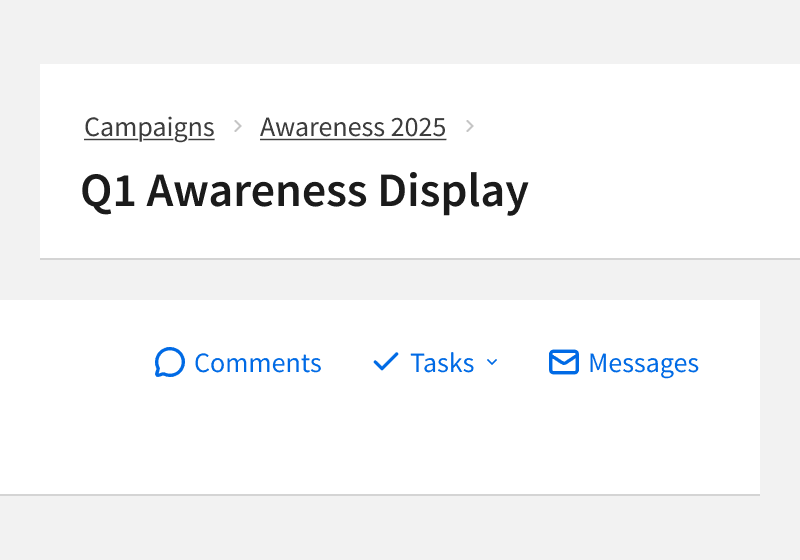
Title Bar

Updated Title Bar breadcrumbs and made top-right buttons more customizable

Component

Title Bar

Updated Title Bar breadcrumbs and made top-right buttons more customizable

Component

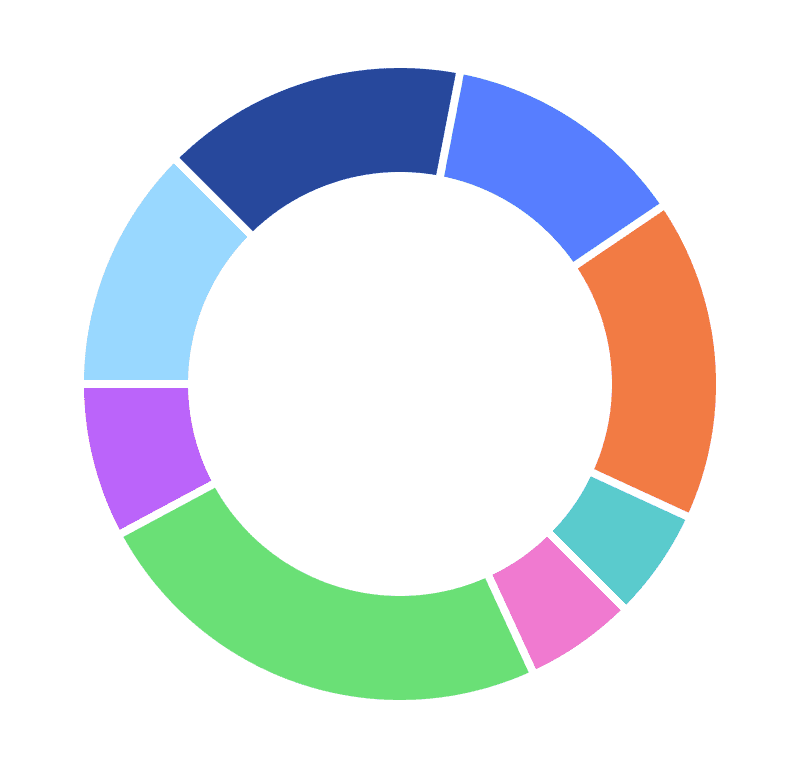
Data Visualization Colors

Updated data visualization colors to improve accessibility

Component

Data Visualization Colors

Updated data visualization colors to improve accessibility

Component

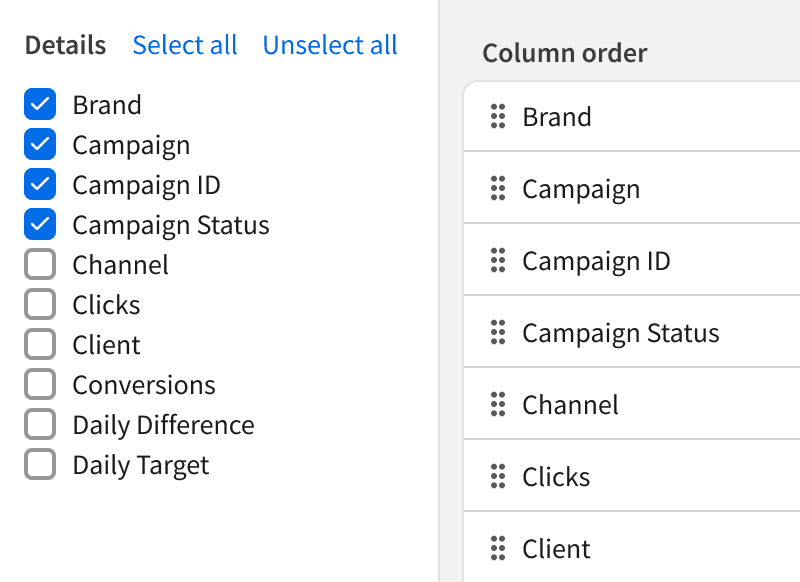
Customize Columns

Made Customize Columns modal more reusable and customizable

Component

Customize Columns

Made Customize Columns modal more reusable and customizable

Foundation

Focus States

Updated focus state styling for several components to improve accessibility

Foundation

Focus States

Updated focus state styling for several components to improve accessibility

Component

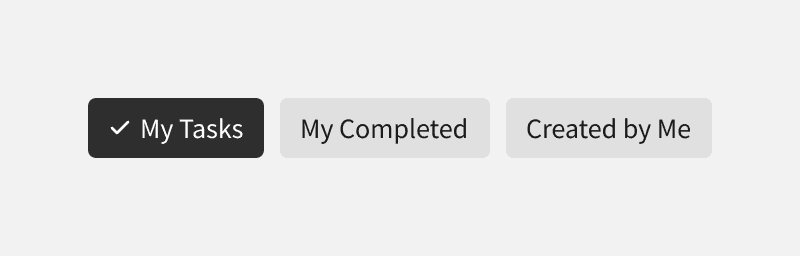
Quick Filters

Added Quick Filter component. Quick filters allow users to select commonly used, pre-defined filters

Component

Quick Filters

Added Quick Filter component. Quick filters allow users to select commonly used, pre-defined filters

Component

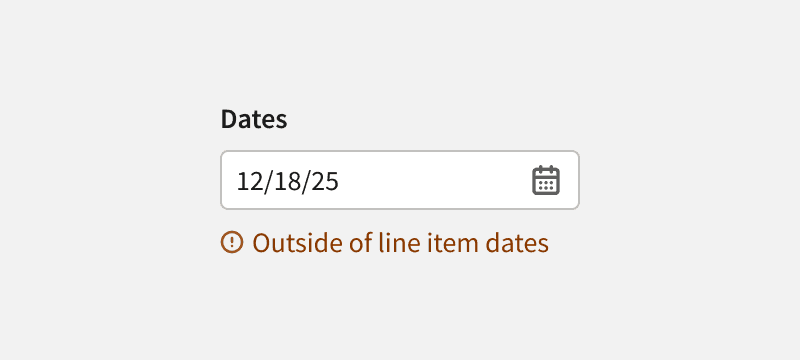
Input Warning States

Added Input Warning States, which alert users to potential issues that don't block the workflow

Component

Input Warning States

Added Input Warning States, which alert users to potential issues that don't block the workflow

Component

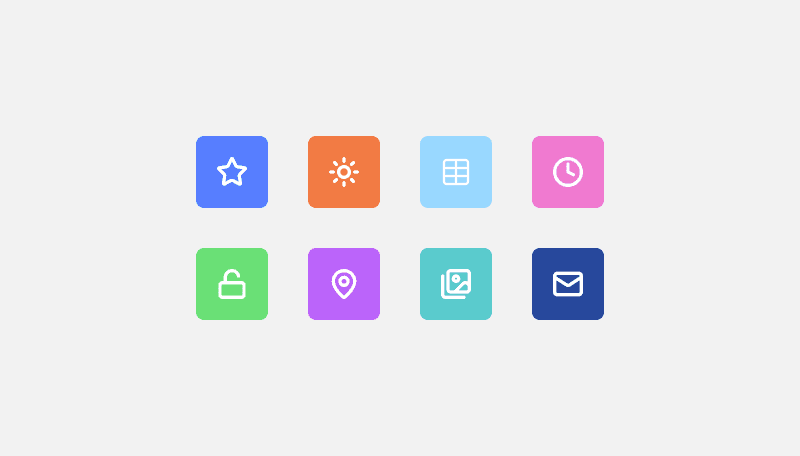
Featured Icon

Added new Featured Icon component which allows designers to add an icon with color container to provide additional visual cues in their UIs

Component

Featured Icon

Added new Featured Icon component which allows designers to add an icon with color container to provide additional visual cues in their UIs

Component

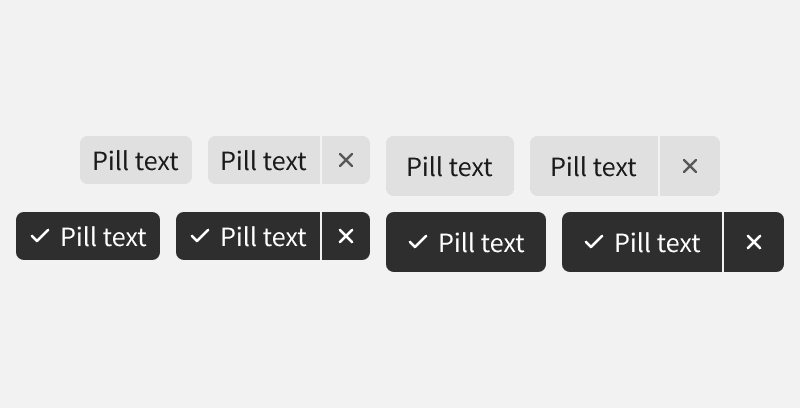
Pills

Updated Pill styles and added a “selected” state, making it more interactive. Also added a "large" size variant

Component

Pills

Updated Pill styles and added a “selected” state, making it more interactive. Also added a "large" size variant

Pages

Planning Grid

Updated Planning Grid to move “Density” to a separate dropdown. Also set the default to “compact”, and reduced page min-width to support small screens

Pages

Planning Grid

Updated Planning Grid to move “Density” to a separate dropdown. Also set the default to “compact”, and reduced page min-width to support small screens

Foundation

NPM Package

Created new @basis/design-system NPM package and migrated all CSS to new package, making our styles available “anywhere”

Foundation

Border Radius

Improved the naming convention and expanded the options

Foundation

Focus States

Updated focus state styling for several components to improve accessibility

Foundation

Positioner Utility

Added new “positioner” for all tooltips and dropdowns

Component

Data Table

Added several features to the new data table such as nested rows and nested tables

Component

Quick Filters

Added Quick Filter component. Quick filters allow users to select commonly used, pre-defined filters

Component

Segment Control

Added the Segment Control component, which allows users to switch between mutually exclusive options. It provides a compact, intuitive way to modify content views or change settings

Component

Interactive Badge

Added Interactive Badges, which provide additional context or allow the user to change the status, category or property value. We’ve also added small variants for all badges

Component

Input Warning States

Added Input Warning States, which alert users to potential issues that don't block the workflow

Component

Danger Buttons

Added Danger Buttons, which alert users to potentially consequential actions

Component

Filter Panel

Added Filter Panel which allows users to filter page content using a panel list containing a categorized list of available filters

Component

Featured Icon

Added new Featured Icon component which allows designers to add an icon with color container to provide additional visual cues in their UIs

Component

Tooltips

Updated Tooltip Styles and created a new “Rich Tooltip”

Component

Title Bar

Updated Title Bar breadcrumbs and made top-right buttons more customizable

Component

Pills

Updated Pill styles and added a “selected” state, making it more interactive. Also added a "large" size variant

Component

Toggle Switch

Updated Toggle Switch styles

Component

Data Visualization Colors

Updated data visualization colors to improve accessibility

Pages

Planning Grid

Updated Planning Grid to move “Density” to a separate dropdown. Also set the default to “compact”, and reduced page min-width to support small screens

Component

Interactive Cards

Updated Interactive Cards with featured icon option and created new "Inline" variants

Component

Customize Columns

Made Customize Columns modal more reusable and customizable

New Documentation

  • Storybook

    Foundations Updates

    Storybook

    Foundations Updates

    Storybook

    Foundations Updates

  • Storybook

    Dark Mode Toggles

    Storybook

    Dark Mode Toggles

    Storybook

    Dark Mode Toggles

  • Storybook

    New Lucide Icons

    Storybook

    New Lucide Icons

    Storybook

    New Lucide Icons

  • Storybook

    Interactive Badges

    Storybook

    Interactive Badges

    Storybook

    Interactive Badges

  • Storybook

    NPM Package

    Storybook

    NPM Package

    Storybook

    NPM Package

  • Storybook

    New Data Table

    Storybook

    New Data Table

    Storybook

    New Data Table

  • Storybook

    Quick Filters

    Storybook

    Quick Filters

    Storybook

    Quick Filters

  • Storybook

    Menu Bar

    Storybook

    Menu Bar

    Storybook

    Menu Bar

  • Storybook

    Draggable List

    Storybook

    Draggable List

    Storybook

    Draggable List

  • Design Docs

    Issue Indicator

    Design Docs

    Issue Indicator

    Design Docs

    Issue Indicator

  • Design Docs

    Selection Controls

    Design Docs

    Selection Controls

    Design Docs

    Selection Controls

  • Design Docs

    Button Group Dropdown

    Design Docs

    Button Group Dropdown

    Design Docs

    Button Group Dropdown

  • Design Docs

    Tokens

    Design Docs

    Tokens

    Design Docs

    Tokens

  • Design Docs

    Selection Summary

    Design Docs

    Selection Summary

    Design Docs

    Selection Summary

  • Design Docs

    App Drawer

    Design Docs

    App Drawer

    Design Docs

    App Drawer

  • Design Docs

    Language and Grammar

    Design Docs

    Language and Grammar

    Design Docs

    Language and Grammar

  • Design Docs

    Inclusive Language

    Design Docs

    Inclusive Language

    Design Docs

    Inclusive Language

  • Design Docs

    Confirmation Messages

    Design Docs

    Confirmation Messages

    Design Docs

    Confirmation Messages

  • Design Docs

    Help Center Links

    Design Docs

    Help Center Links

    Design Docs

    Help Center Links

  • Design Docs

    Word List

    Design Docs

    Word List

    Design Docs

    Word List

Love the new look on these pages! it’s so clean and modern now! Amazing job team! I also have a small problem now… I can’t stand looking at the task list anymore with the old UI 

Maryam Esmaeili 

Woohoo, it’s exciting to see an idea I suggested make it into here (quick filters, nice!) Always love reading these design system updates, keep up the great work! 

Anna-Maria Nalepa 

Coming Soon

New Fonts

We will be changing all fonts to Inter. Inter is a versatile, open-source typeface designed to maximize legibility and clarity in user interfaces.

Before
After
Basis Design System Wrapped 2025

New Shadows

This year we will be updating our shadows to more modern styles. These use "layers" to give the shadows a lighter look and feel while still maintaining a sense of increasing elevation.


Before
After
Basis Design System Wrapped 2025

Create a free website with Framer, the website builder loved by startups, designers and agencies.